
Description
Product Overview
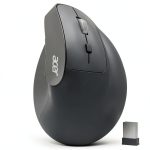
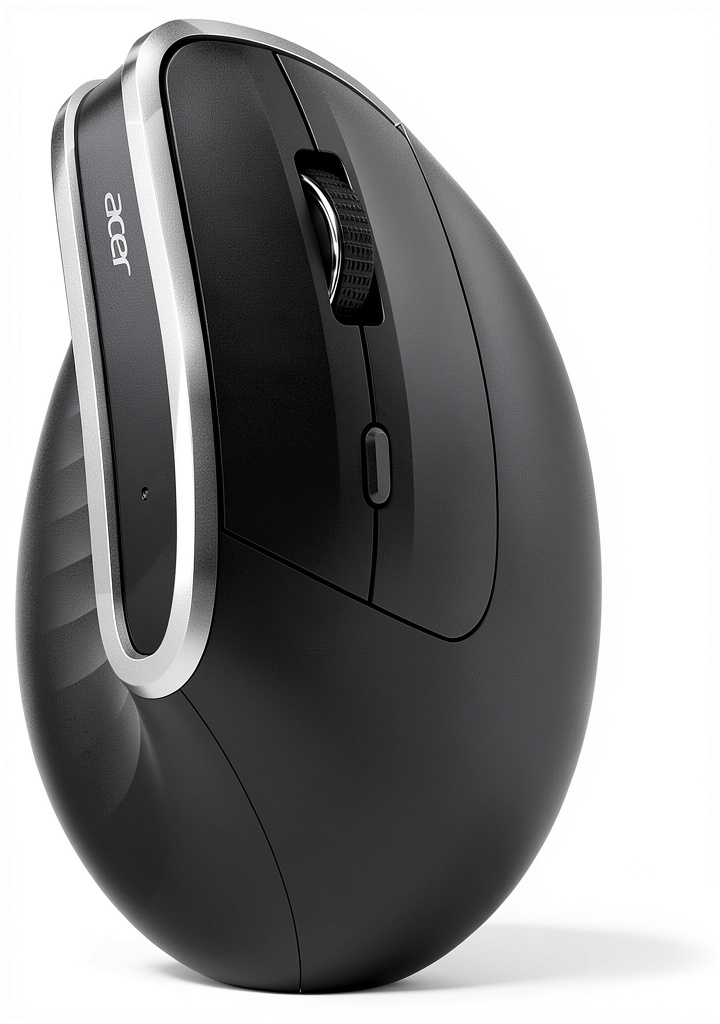
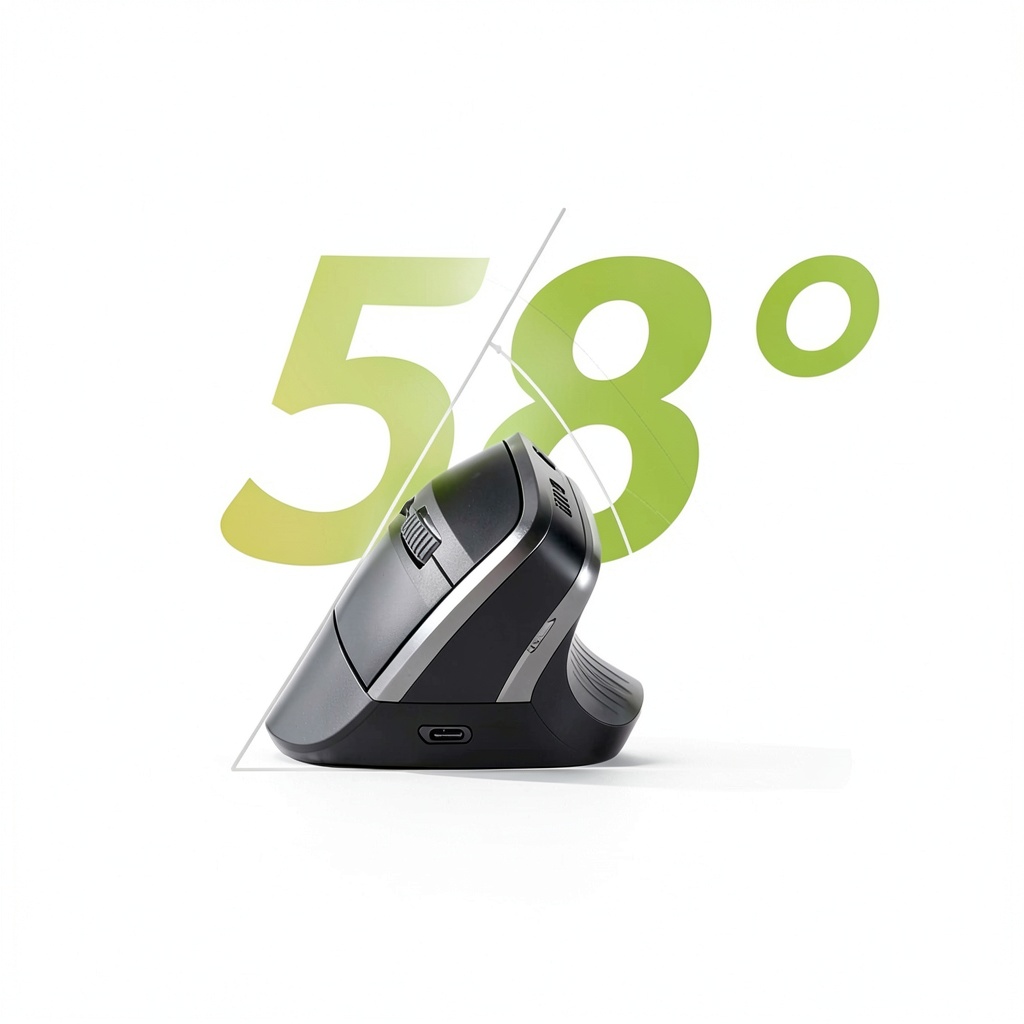
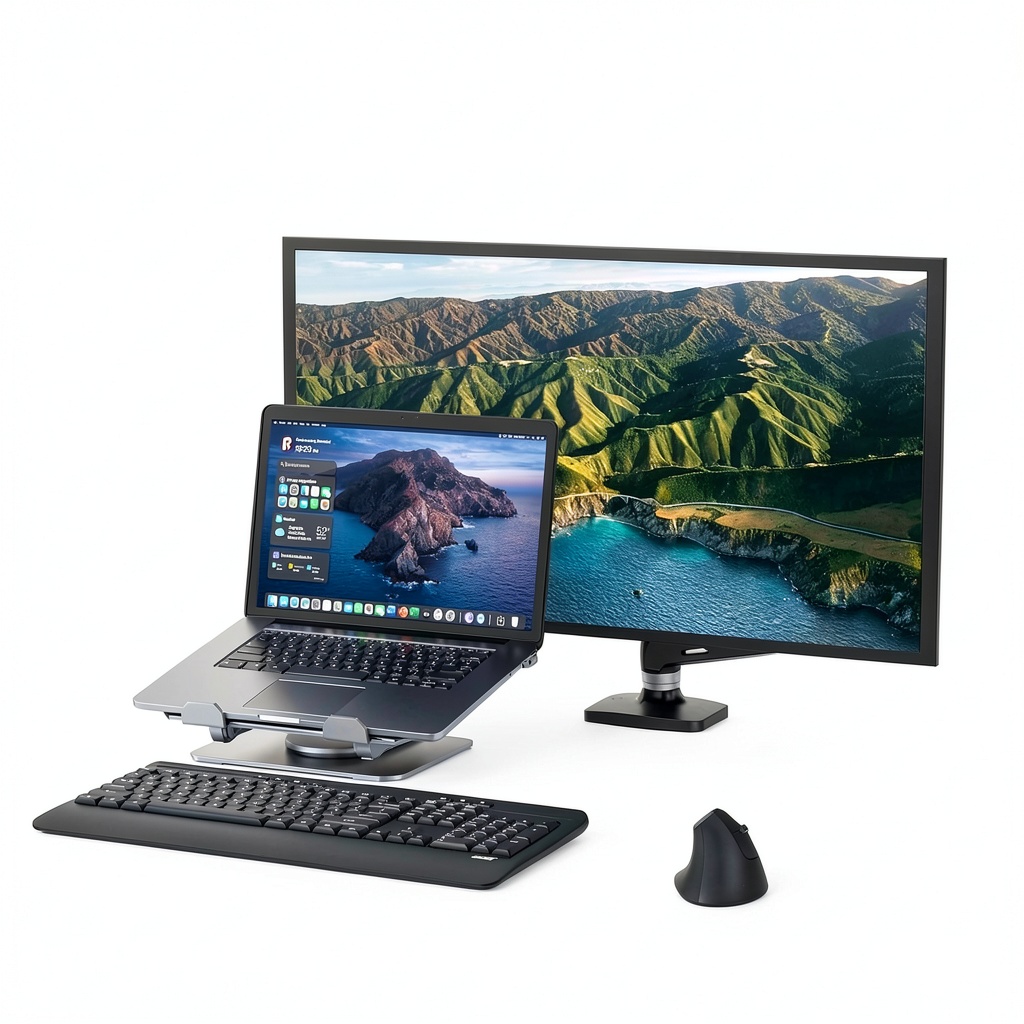
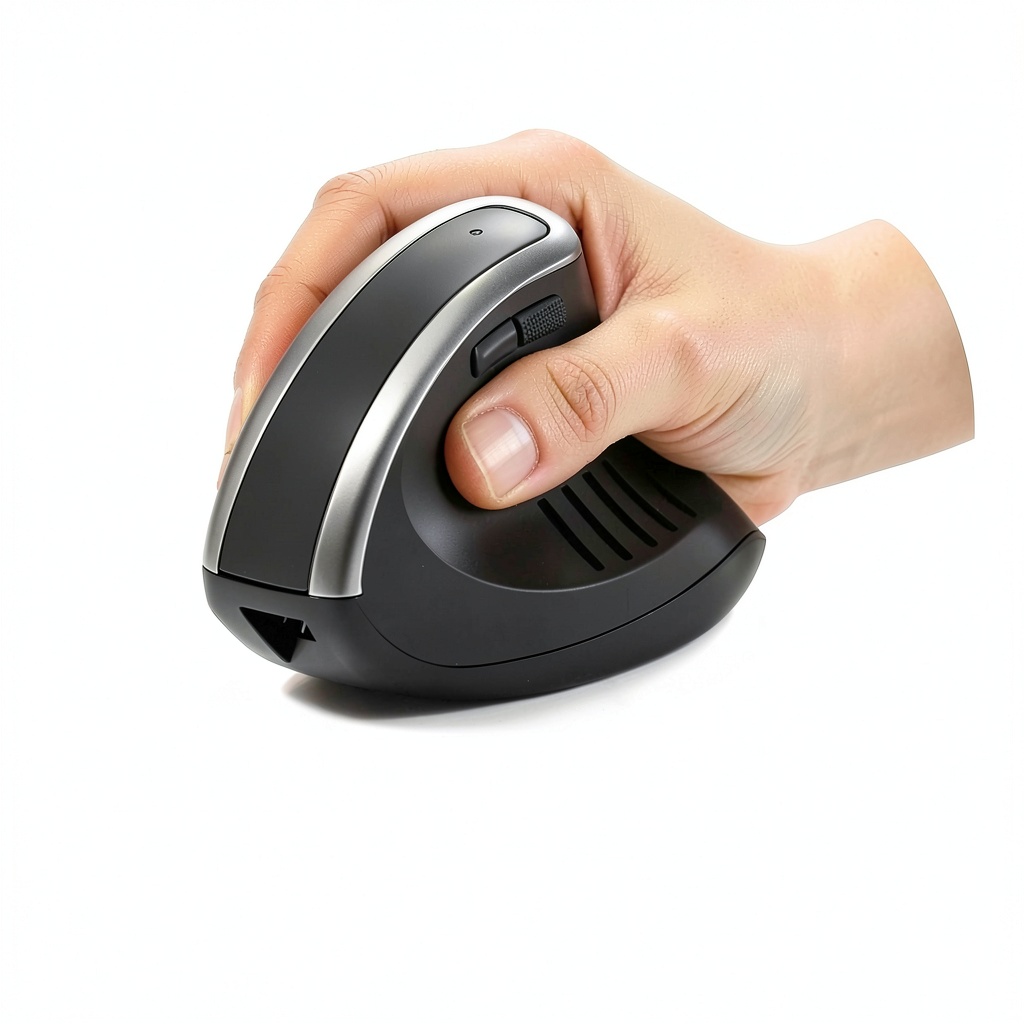
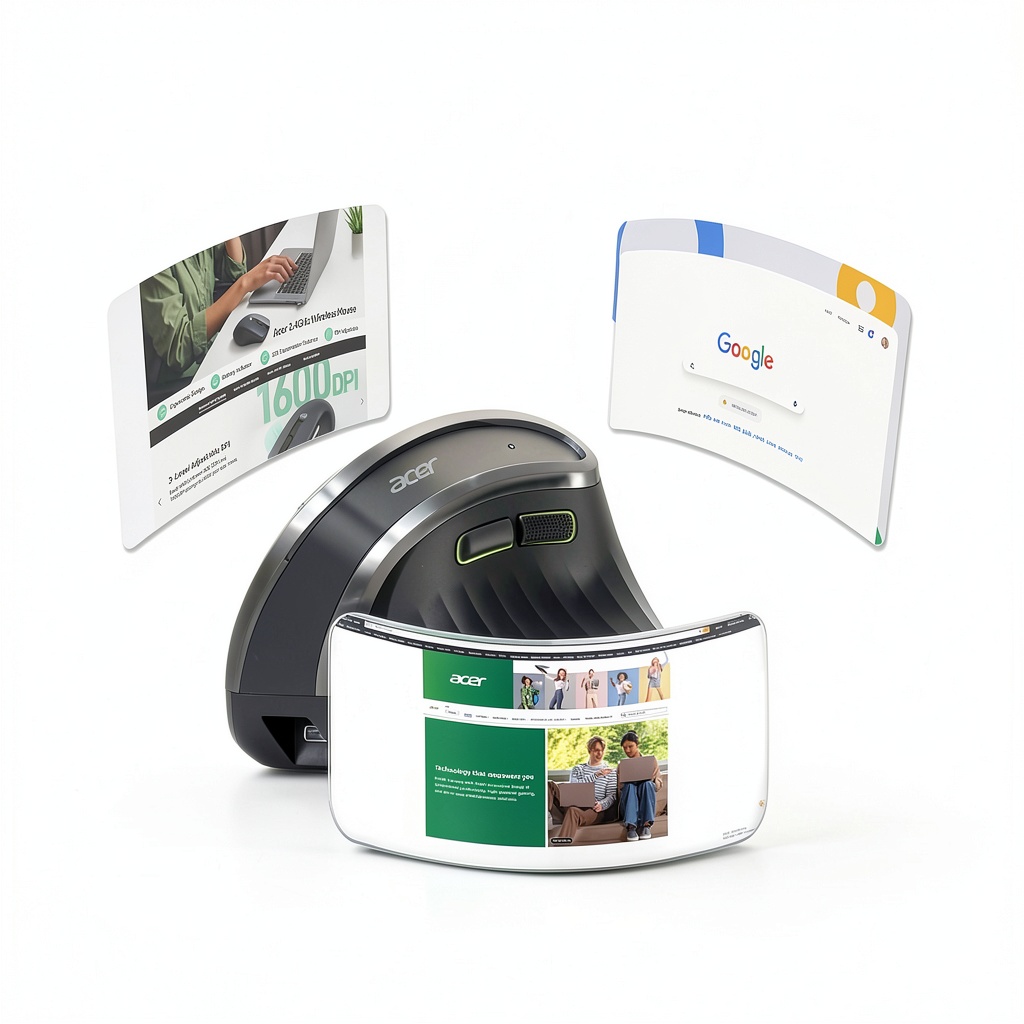
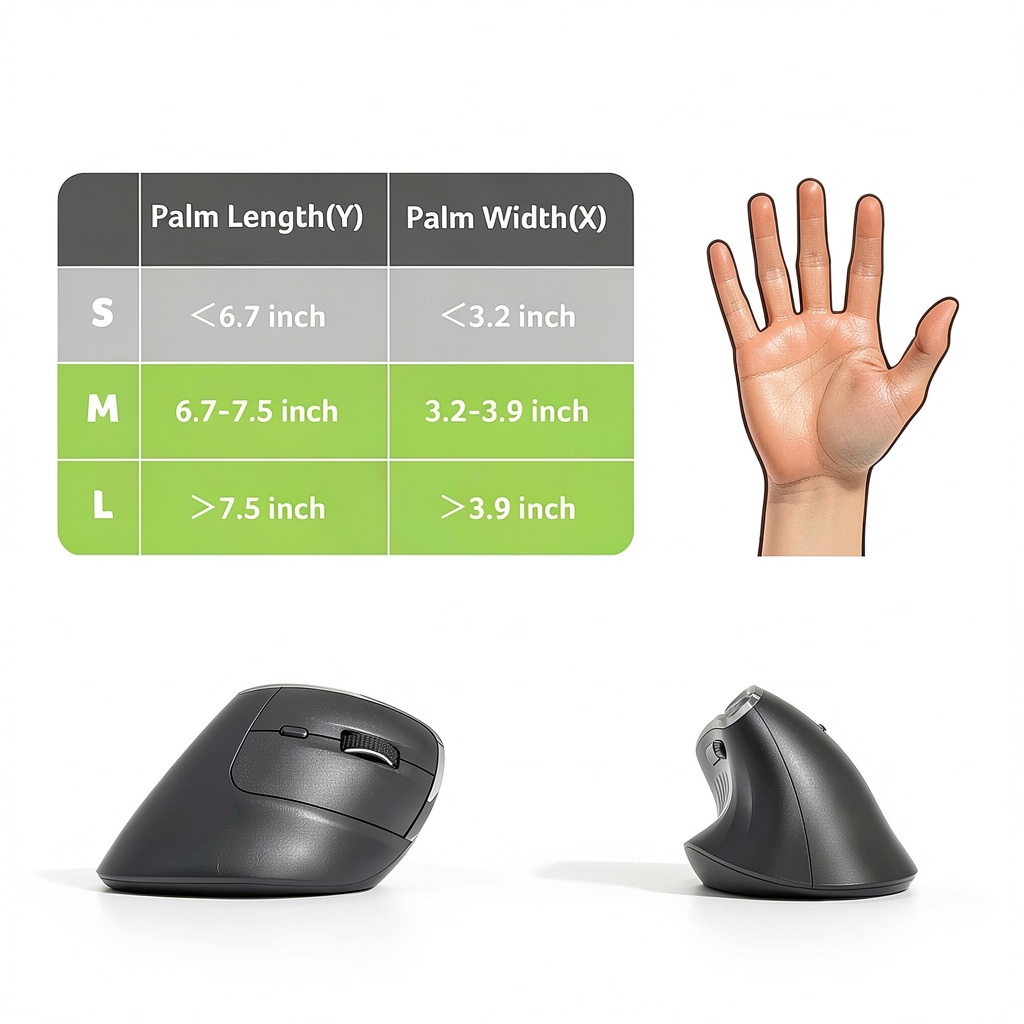
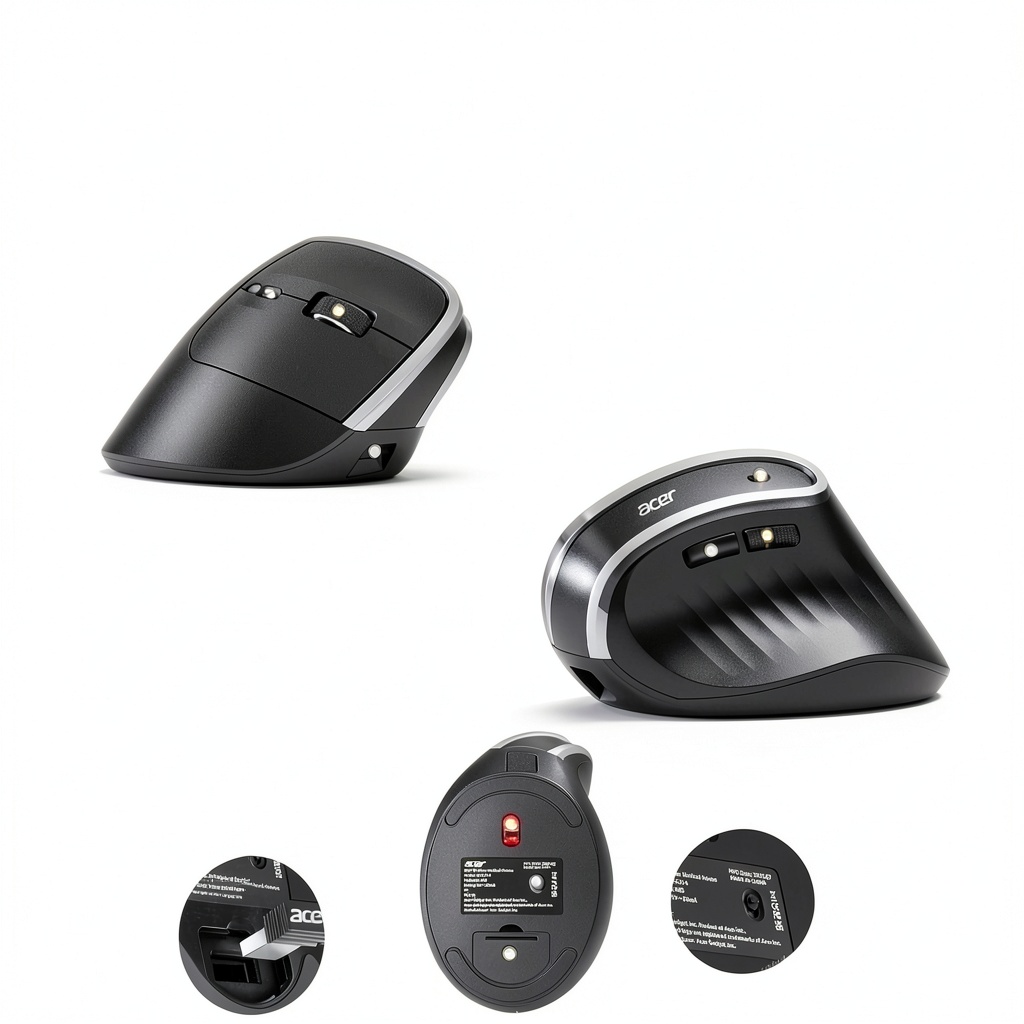
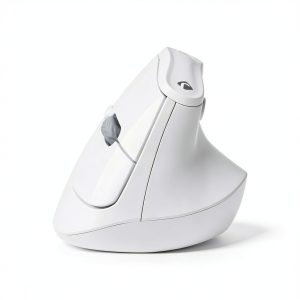
The Acer Ergonomic Wireless Vertical Mouse combines advanced ergonomics with reliable performance for daily computing tasks. Its 58° vertical design contours naturally to your right hand, reducing muscle strain by up to 10% during extended use. Built with durable materials, this mouse features a 2.4GHz wireless connection via USB-A receiver, a 500mAh rechargeable battery, and three DPI settings (800/1200/1600) for precise cursor control. Ideal for office and home setups, it includes side buttons for efficient navigation and a visual DPI indicator for easy adjustments.
Usage
This mouse is perfect for office professionals, students, and remote workers who spend long hours at their computers. Use it for tasks like document editing, web browsing, and data entry to maintain comfort and reduce fatigue. Its wireless design makes it suitable for clutter-free desks, while the ergonomic shape supports proper wrist alignment in various environments, from corporate offices to home workspaces.
Why Choose Us
Acer delivers superior quality with this ergonomic mouse, focusing on user comfort and durability. The vertical design is backed by research to minimize wrist pressure, and the rechargeable battery eliminates the hassle of disposable batteries. With plug-and-play setup and stable performance up to 10 meters, it offers a hassle-free experience that stands out from standard mice.
Key Features
- 58° ergonomic vertical design reduces wrist and arm strain for extended comfort.
- 2.4GHz wireless connection with USB-A receiver for reliable, driver-free operation.
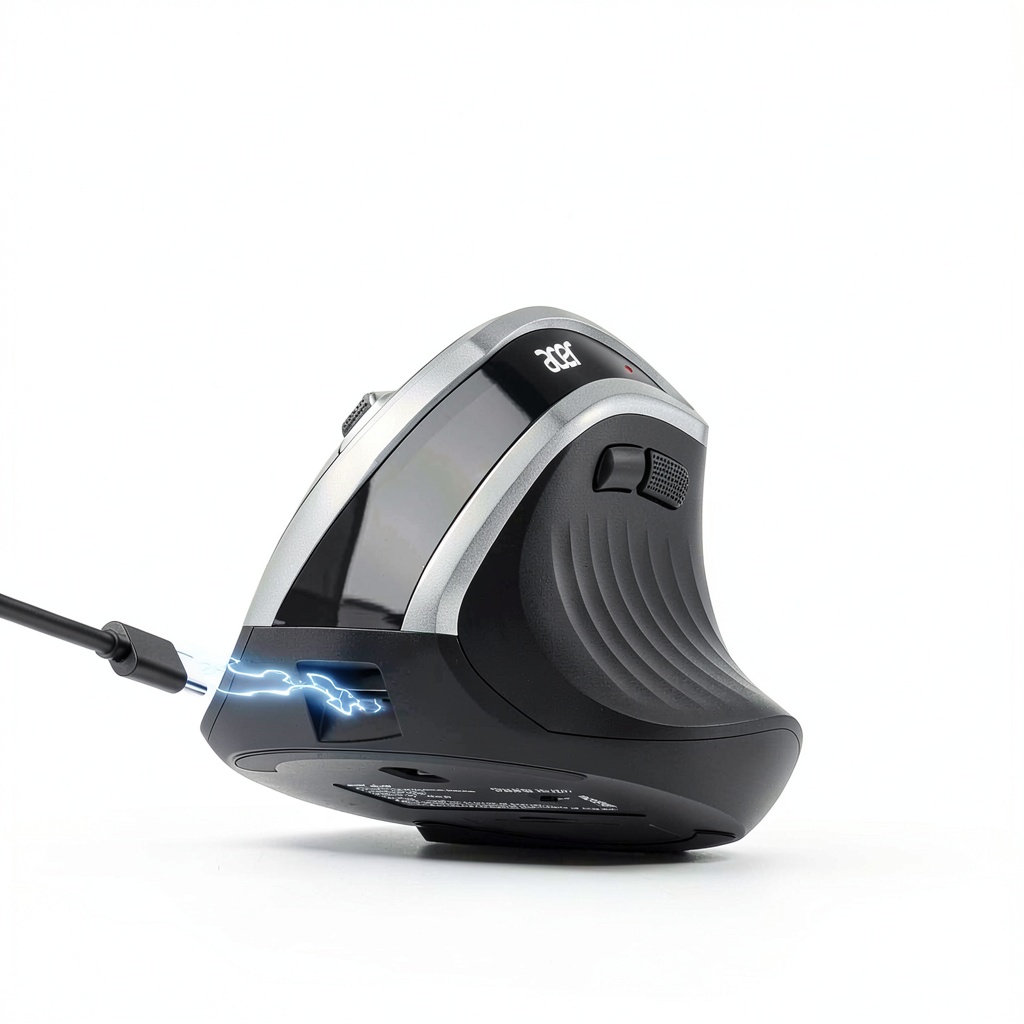
- 500mAh rechargeable battery for long-lasting use without battery replacements.
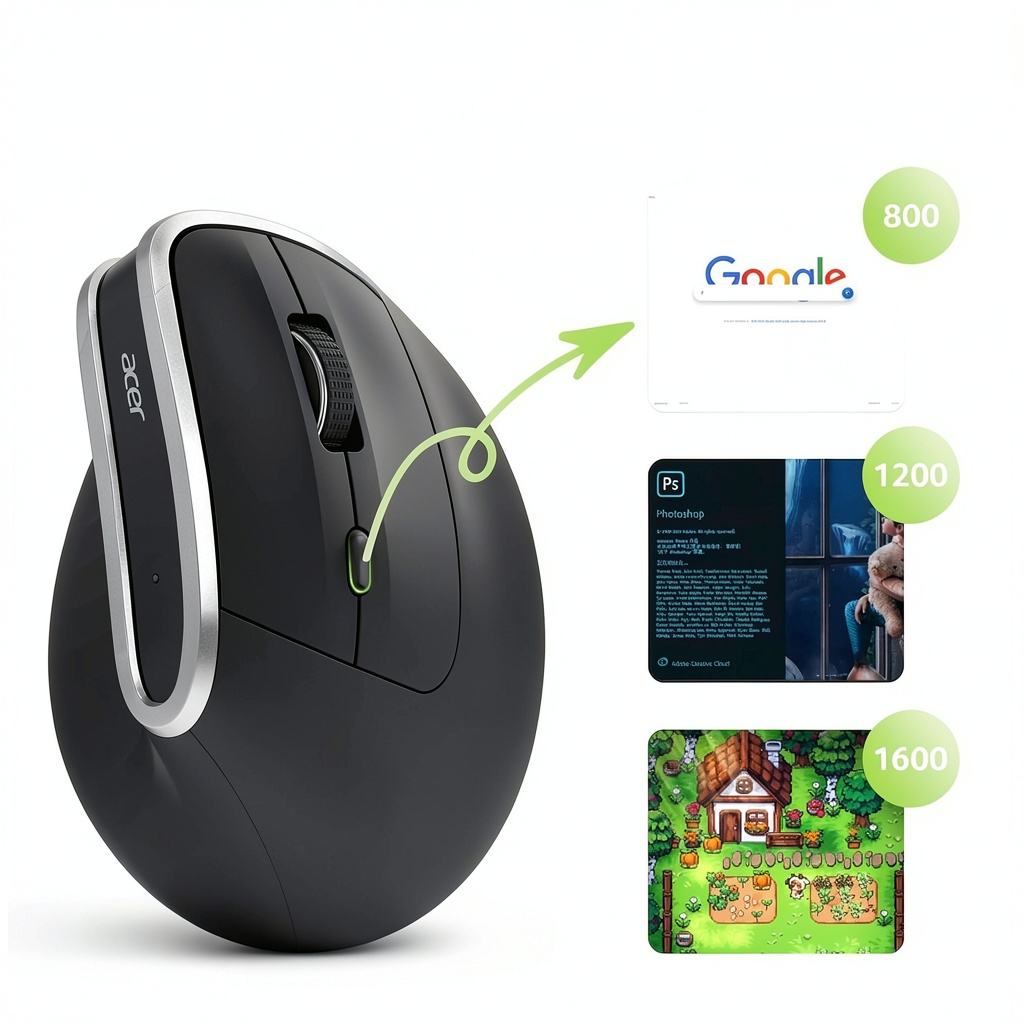
- Three DPI settings (800/1200/1600) with visual indicator for customizable precision.
- Dedicated side buttons enable quick browsing and application switching.
FAQ
Is this mouse compatible with all computers?
Yes, it works with most systems supporting USB-A receivers, including Windows, macOS, and Linux, without requiring additional drivers.
How do I recharge the mouse?
Use the included cable to connect the mouse to a USB port; the battery charges fully in a few hours for extended use.
Can left-handed users operate this mouse?
No, it is specifically designed for right-handed use due to its contoured shape and button placement.
What is the wireless range?
The range is up to 10 meters, providing stable performance in typical office or home settings.
How do I adjust the DPI settings?
Press the DPI button on the mouse to cycle through 800, 1200, and 1600 DPI, with a flashing light to confirm your selection.



 1688商品
Reviews
There are no reviews yet.