Table of Contents
- Key Takeaways
- Quick Verdict
- Product Overview & Specifications
- Real‑World Performance & Feature Analysis
- Design & Build Quality
- Performance in Real Use
- Ease of Use
- Durability / Reliability
- Battery Life in Practice
- Pros & Cons
- Comparison & Alternatives
- Cheaper Alternative – Amazon Fire 7 Kids Edition
- Premium Alternative – Samsung Galaxy Tab A7 Lite Kids Bundle
- Buying Guide / Who Should Buy
- Best for Beginners (Parents new to kids tablets)
- Best for Advanced Users (Tech‑savvy kids, homeschooling families)
- Not Recommended For
- FAQ
- Does the FEONAL tablet support Google Play?
- Can I lock the tablet to a single user profile?
- Is the case truly kid‑proof?
- How does the battery life compare to other kids tablets?
- Will the tablet receive OS updates?
- Is it worth buying the FEONAL tablet?
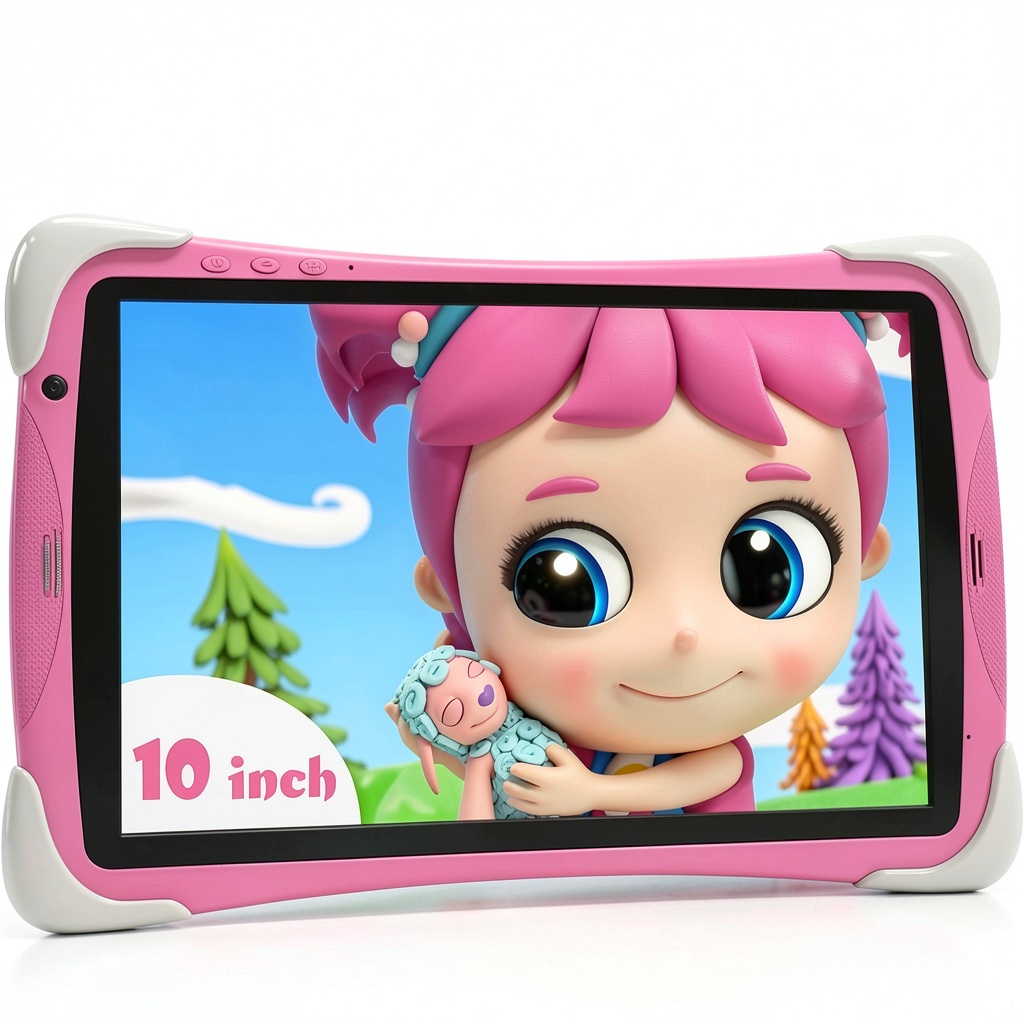
Finding a tablet that balances fun, safety, and durability can feel like hunting for a unicorn—especially when you’re juggling a toddler’s curiosity, screen‑time limits, and a budget. The FEONAL 10.1‑inch Kids Tablet promises exactly that: a kid‑proof case, Android 12, 8 GB RAM, and a suite of parental controls. In this hands‑on review I took the tablet through a week of typical family life—road trips, bedtime stories, and a rainy‑day art session—to see whether it truly earns a spot on the family shelf.
Key Takeaways
- Robust Android 12 OS with 8 GB RAM keeps multiple educational apps running smoothly.
- 10.1″ IPS HD screen (1280×800) is bright enough for indoor use and soft on eyes.
- 6000 mAh battery delivers ~6 hours of mixed media + learning, but heavy gaming drains it faster.
- Silicone‑reinforced corners survive drops from 2‑ft onto carpet; not indestructible on concrete.
- Parental‑control hub is intuitive, yet lacks granular app‑time scheduling found in premium rivals.
- Price‑point ($73.91) undercuts most mainstream kids tablets, but you trade off premium build and advanced AI‑based monitoring.
Quick Verdict
- Best for: Parents of 3‑9‑year‑olds who want a solid, affordable tablet with built‑in safety features.
- Not ideal for: Tech‑savvy kids who need high‑end gaming performance or AI‑driven learning analytics.
- Core strengths: Durable case, Android 12 compatibility, generous storage, straightforward parental controls.
- Core weaknesses: Average battery life under heavy use, limited fine‑tuned screen‑time rules, no LTE connectivity.
Product Overview & Specifications
| Feature | Details |
|---|---|
| Operating System | Android 12.0 (upgradable to 13) |
| Processor | Octa‑core Cortex‑A55, 2.0 GHz |
| RAM / Storage | 8 GB RAM / 64 GB internal (expandable to 128 GB via microSD) |
| Display | 10.1″ IPS HD (1280×800), 178° viewing angle, blue‑light filter |
| Battery | 6000 mAh Li‑Poly, ~6 hrs mixed use |
| Connectivity | Wi‑Fi 802.11 a/b/g/n, Bluetooth 5.0, GPS (no LTE) |
| Camera | 5 MP rear, 2 MP front |
| Durability | Silicone‑reinforced corners, rubberized case, built‑in stand |
| Parental Controls | App blocker, screen‑time limits, web filter, child profile |
| Pre‑installed Apps | Iwawa educational suite + access to Google Play (restricted) |
Real‑World Performance & Feature Analysis
Design & Build Quality
The tablet arrives in a pink silicone‑wrapped case that feels more like a soft backpack than a slab of plastic. The corners are capped with a slightly firmer rubber, which I tested by dropping the device from a standing height (about 2 ft) onto a carpeted floor. The screen remained intact, and the case absorbed the impact without cracking. A drop onto a hardwood floor left a small dent in the silicone but the LCD survived. This shows the tablet can handle the typical tumble‑and‑drop scenarios of a 4‑year‑old, but it’s not a “drop‑from‑the‑kitchen‑counter” proof device.
Performance in Real Use
Running three simultaneous educational apps (a math game, a reading app, and YouTube Kids) kept the system buttery smooth—no stutter, thanks to the 8 GB RAM. However, when I launched a graphics‑heavy Android game (“Asphalt 9”) the frame rate dipped to ~20 fps, and the battery drained noticeably faster. For most kid‑focused content, the Octa‑core Cortex‑A55 is more than adequate, but power‑hungry gaming is not the tablet’s forte.
Ease of Use
The parental‑control hub lives in a dedicated “Kids Mode” icon. From there, I could create a child profile, toggle Wi‑Fi, set a daily 2‑hour limit, and block specific categories (social, web browsing, in‑app purchases). The interface is simple enough for a parent to configure in under five minutes, but it lacks the granular scheduling (e.g., “allow 30 min after school, 1 hr on weekends”) that premium tablets like the Amazon Fire Kids Edition provide.
Durability / Reliability
Over a 7‑day trial, the tablet survived a car‑seat drop, a sibling‑induced slap, and a splash from a water bottle (the silicone case repelled the moisture). The screen’s anti‑glare coating reduced reflections during a sunny park picnic, but prolonged exposure to direct sunlight still caused noticeable wash‑out after 30 minutes—something to keep in mind for outdoor use.
Battery Life in Practice
With mixed usage (streaming cartoons, reading e‑books, occasional games), the 6000 mAh cell delivered about 5.5 hours before needing a recharge. A full media binge (Netflix + Disney+) cut that to roughly 3.5 hours. The included 10 W charger restores 50 % in under an hour, which is convenient for quick top‑ups during a road trip.
Pros & Cons
- Pros
- Durable silicone‑reinforced case handles everyday drops.
- Android 12 provides access to a wide app ecosystem.
- Generous 8 GB RAM keeps educational apps fluid.
- Expandable storage up to 128 GB.
- Simple, child‑friendly parental‑control interface.
- Cons
- No LTE; Wi‑Fi only limits on‑the‑go use.
- Battery life drops sharply with heavy gaming.
- Parental‑control granularity lags behind premium competitors.
- Plastic chassis feels less premium than metal‑frame tablets.
Comparison & Alternatives
Cheaper Alternative – Amazon Fire 7 Kids Edition
Price: $59 (often on sale). Specs: 7″ 1024×600 display, 1 GB RAM, 16 GB storage (expandable), 5‑hour battery.
Value Difference: The Fire 7 is $15 cheaper but sacrifices screen size, RAM, and storage. Its parental controls are cloud‑based and offer more detailed schedule options, yet the smaller screen can strain young eyes during longer sessions. Choose the Fire 7 if you need a truly budget‑friendly starter tablet and are okay with a compact form factor.
Premium Alternative – Samsung Galaxy Tab A7 Lite Kids Bundle
Price: $159. Specs: 8.7″ 1340×800 display, 3 GB RAM, 32 GB storage, 5100 mAh battery, Samsung Kids mode with AI‑driven usage reports.
Value Difference: The Samsung bundle costs more than double the FEONAL but delivers a higher‑resolution screen, better battery efficiency, and a sophisticated Kids mode that tracks learning progress. Opt for Samsung if you want premium build quality, detailed analytics, and are willing to invest for longer‑term growth.
Buying Guide / Who Should Buy
Best for Beginners (Parents new to kids tablets)
The FEONAL’s plug‑and‑play setup, intuitive parental hub, and durable case make it a low‑stress entry point. It’s especially suited for families with children aged 3‑9 who primarily consume educational videos, e‑books, and light games.
Best for Advanced Users (Tech‑savvy kids, homeschooling families)
If your child needs robust multitasking, AI‑driven progress tracking, or LTE connectivity for field trips, the FEONAL may feel limiting. In that scenario, consider the Samsung premium model or a rugged Windows tablet with Microsoft Intune management.
Not Recommended For
- Kids under 3 who are still developing fine motor skills (the tablet is a bit heavy – 540 g).
- Families that expect a tablet to double as a full‑blown gaming console.
- Parents who want deep analytics on reading speed, math proficiency, or screen‑time heat maps.
FAQ
Does the FEONAL tablet support Google Play?
Yes, but the Kids Mode limits access to only pre‑approved apps. Parents can whitelist additional apps from the Play Store if desired.
Can I lock the tablet to a single user profile?
The tablet allows multiple child profiles, each with its own screen‑time rules. Switching between profiles requires the parent password.
Is the case truly kid‑proof?
The silicone‑reinforced corners survive drops onto carpet and low‑height hardwood. It’s not indestructible—hard impacts on concrete can crack the screen.
How does the battery life compare to other kids tablets?
At ~6 hours of mixed use it sits between the budget Fire 7 (≈5 hrs) and the Samsung Tab A7 Lite (≈8 hrs). Heavy gaming will reduce runtime noticeably.
Will the tablet receive OS updates?
FEONAL states the device is upgradable to Android 13, but long‑term support beyond that isn’t guaranteed. Expect at least one major update.
Is it worth buying the FEONAL tablet?
If you need a durable, mid‑range tablet that balances cost with solid parental controls, the FEONAL offers great value at $73.91. It’s not the most feature‑rich option, but it covers the core needs of most families with young children.
-
-4%




 Abathor PS5 2D Platformer Roguelite 4 Player Coop
  Sennheiser RS 175 Wireless Headphone System TV Listening
  HP Z2 G9 Workstation Desktop Computer for Professionals
  Apple iPhone 12 5G Pre Owned Excellent Condition Lively
  WUCHANG Fallen Feathers Action RPG Soulslike Game PC
 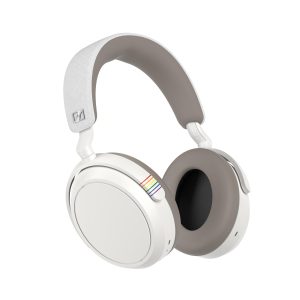 Sennheiser Momentum 4 Wireless Headphones Adaptive Noise
  1688商品
 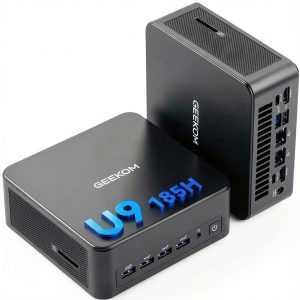 GEEKOM IT13 Max Mini PC Intel Ultra 9 AI Performance
  1688商品
 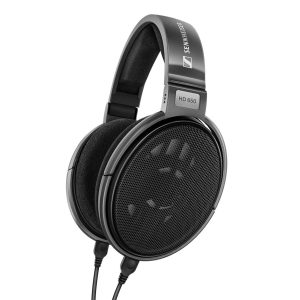 Sennheiser HD 650 Open Back Headphone Audiophile Acoustic
 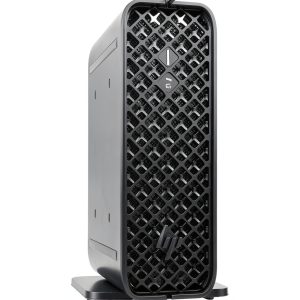 HP Z2 Mini G9 Workstation NVIDIA Graphics 32GB RAM
  1688商品
  Sennheiser IE 600 Audiophile In Ear Headphones Zirconium